Rec Room: A New Semester VR Setup & Headset Matrix
Official RR:ANS headset support: Steam Frame, Quest PCVR, Vive, Index, PSVR — lus eye-tracking options and comfort defaults.
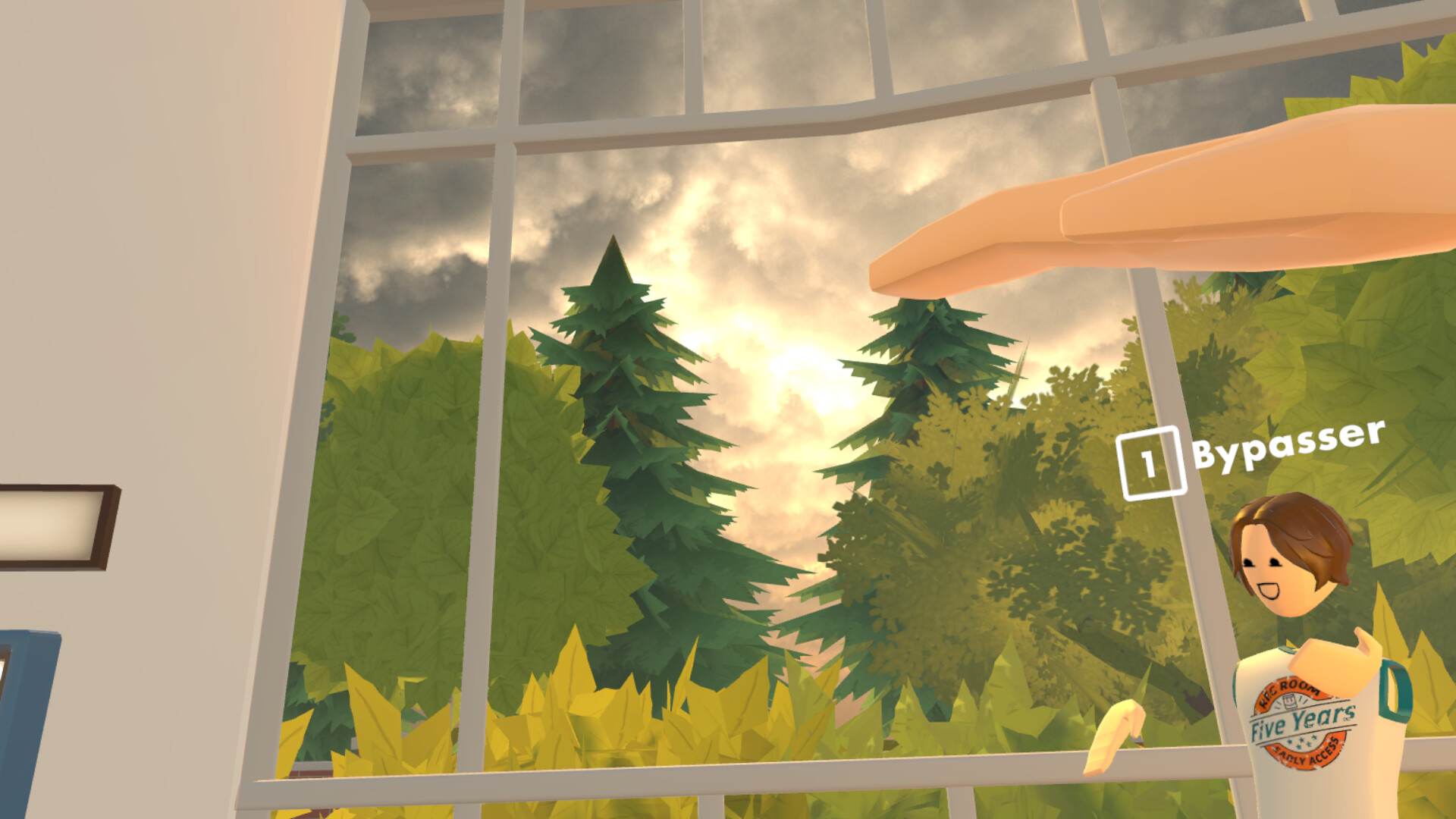
Rec Room: A New Semester (RR:ANS) is built as a VR-supported and flat-screen social sandbox on Steam. Thunderstorm Games (published by Bypasser / Team - VR) launches Early Access on November 24, 2026 (app 4877420), free forever with no microtransactions, and not affiliated with Rec Room Inc. This guide consolidates the official headset matrix from Steam news, explains PCVR versus standalone plans, and gives a practical setup order so your first VR session matches Getting Started and Controls.
You do not need VR to play. Screen mode is fully part of the design. Use this page when you own — r plan to buy — headset.
Headset matrix (official)
| Headset family | How RR:ANS supports it | Notes |
|---|---|---|
| Steam Frame | Planned to run directly on device without a PC after release | Eye-tracking support planned; optional share-gaze feature |
| Meta Quest / Oculus Rift | PCVR only with controller bindings | Not a Meta Quest Store standalone game |
| HTC Vive | Supported via PC | Some features may have limited compatibility — eport bugs |
| Valve Index | Supported via PC with controller bindings | Strong tracked-finger fit for Creator Pen |
| PSVR 2 | Supported through PCVR with proper adapter/software | Not a native console Store path for this Steam title |
| PSVR 1 | PCVR with additional third-party software | Support described as limited |
Steam store requirement blurbs also list Meta Quest 2/3, Valve Index, Vive, PSVR2, and Steam Frame among VR support lines — lways re-check the live Steam page after patches.
Steam Frame
RR:ANS is planned to run directly on Steam Frame without needing a PC after release. That makes Frame the long-term — ick up and party — target for this ecosystem. The studio also plans eye tracking: on supported headsets you may enable an option so other players can see where you are looking. It is optional and can be disabled in settings — urn it off for privacy or competitive focus.
Until Frame hardware is in your hands, develop habits on whatever PCVR headset you already own; social flows and Creator Pen practice transfer.
Meta Quest and Oculus Rift (PCVR only)
Critical clarification: RR:ANS will not ship as a standalone Meta Quest Store game. You must connect Quest to a capable PC (Link cable, Air Link, or equivalent SteamVR bridge) and launch the Steam build.
Setup outline:
- Install Steam, SteamVR, and RR:ANS on the PC.
- Enable PC Link / Air Link on the Quest; put the headset in a tracking-friendly space.
- Confirm controllers appear in SteamVR before launching RR:ANS.
- In-game, open the watch menu and verify locomotion comfort settings.
- If inputs fail, rebind via SteamVR bindings or the title — control screen (Controls).
Rift CV1 / Rift S style PCVR headsets follow the same — teamVR first — logic with their native runtimes where applicable.
HTC Vive and Valve Index
Vive headsets are supported, but the studio warns that compatibility may be limited on some features. If something breaks — eleport, grip pen, UI laser — eport it with headset model and SteamVR version so Early Access fixes can land.
Valve Index is supported with controller bindings. Knuckle tracking helps Creator Pen precision and social gestures. Index players should still configure play space boundaries and a default teleport/smooth mix before long story sessions (Story Mode).
PSVR 2 and PSVR 1 via PCVR
Both PlayStation VR headsets are called out as supported through PCVR, not as a native PS Store RR:ANS client:
- PSVR 2: connect to PC with the correct adapter and software stack, then use SteamVR.
- PSVR 1: requires additional third-party software; expect limited support and more troubleshooting.
If you only own PSVR gear, budget time for PC adapter setup before launch night parties. Flat screen on the same Steam account remains the reliable backup.
Recommended setup order (any headset)
- Verify PC meets Steam minimum/recommended specs for your resolution and refresh rate.
- Update GPU drivers and SteamVR.
- Run SteamVR room setup; clear a play area safe for fist-bump parties and Creator Pen reaches.
- Launch RR:ANS from Steam with the headset active; confirm VR mode (not accidental screen mode).
- Complete watch menu + move + interact drills from Controls.
- Add a friend and teleport together through Rec Center portals (Getting Started).
- Optionally enable eye-tracking share only after you understand the privacy toggle.
Comfort and safety defaults
- Start with snap turn or reduced smooth-turn speed.
- Prefer teleport in busy public rooms until you trust frame rate.
- Use vignette options if offered during sprint or fly.
- Enable push-to-talk in shared households.
- Take breaks during Creator Pen marathons — uilding sessions run long (Creator Pen).
- Keep cable pull relief or wireless battery packs managed so you do not unplug mid-invite.
Performance tips
Official notes stress the game does not need an extreme PC for baseline play, but VR multiplies GPU load:
- Drop supersampling if Reprojection spikes.
- Close overlays you do not need.
- Host build tests in private rooms before public showcases.
- After patches, retest Quest wireless codecs and Index refresh modes — arly Access will keep moving.
Track patch-side VR fixes on Updates. For outfit flair while showing off in VR lobbies, see Tier List Hub (1-Star through 8-Star Gaming Legends). Find party members via Players Hub.
Cross-play mindset
Parties will mix VR and screen players. Design your personal etiquette:
- Face screen players when speaking; do not rely only on VR pointing.
- Avoid blocking portals with full-body motion.
- When hosting Creator Pen collab, confirm screen builders can orbit/zoom (Controls).
Troubleshooting table
| Issue | Fix path |
|---|---|
| Quest launches but no RR:ANS standalone store tile | Expected — se PC Steam + Link |
| Controllers missing | SteamVR binding, battery, USB; restart runtime |
| Vive feature missing | Report bug; try alternate binding; fall back to screen |
| PSVR2 black screens | Adapter firmware, SteamVR, GPU HDMI/DP path |
| PSVR1 unstable | Limited support — refer another headset or screen mode |
| Eye gaze always on | Disable the optional eye-tracking share in settings |
| Nausea in story | Snap turn, teleport, shorter sessions |
Related guides
- Controls — watch menu, movement, Creator Pen grips
- Getting Started — first Rec Center session
- Creator Pen — long-form VR building
- Story Mode — comfort for narrative beats
- Guides Hub — all how-tos
- Updates — headset patches during Early Access
Set up SteamVR once, learn your headset — limits, and remember Quest players need a PC bridge. With Frame standalone on the horizon and PCVR options today, RR:ANS can meet you on the hardware you already own — r on the couch in screen mode until your headset is ready.
Pair this headset matrix with the full system requirements tables and the Early Access timeline before launch day.
Frequently Asked Questions
Quick answers for Rec Room: A New Semester players.
Can I play Rec Room: A New Semester on Meta Quest without a PC?
No. Quest support is PCVR only. There is no Meta Quest Store standalone version — onnect your headset to a PC and launch the Steam build.
Will RR:ANS run natively on Steam Frame?
Yes, it is planned to run directly on Steam Frame without a PC after release, with optional eye-tracking features players can disable.
Are HTC Vive and Valve Index supported?
Yes. Index has controller bindings. Vive is supported but some features may have limited compatibility — eport issues during Early Access.
How do PSVR 1 and PSVR 2 work with this game?
Both are supported through PCVR. PSVR 2 needs the proper PC adapter/software. PSVR 1 relies on extra third-party software and has limited support.
Do I need VR to enjoy Rec Room: A New Semester?
No. The game runs in standard screen mode and VR. Use screen mode anytime; follow this guide when you are ready for headsets.