Rec Room: A New Semester Creator Pen Building Guide
Design hangouts, games, and puzzles with Creator Pen, Workshop mods, and upcoming SDK room/avatar imports—share them with the community.
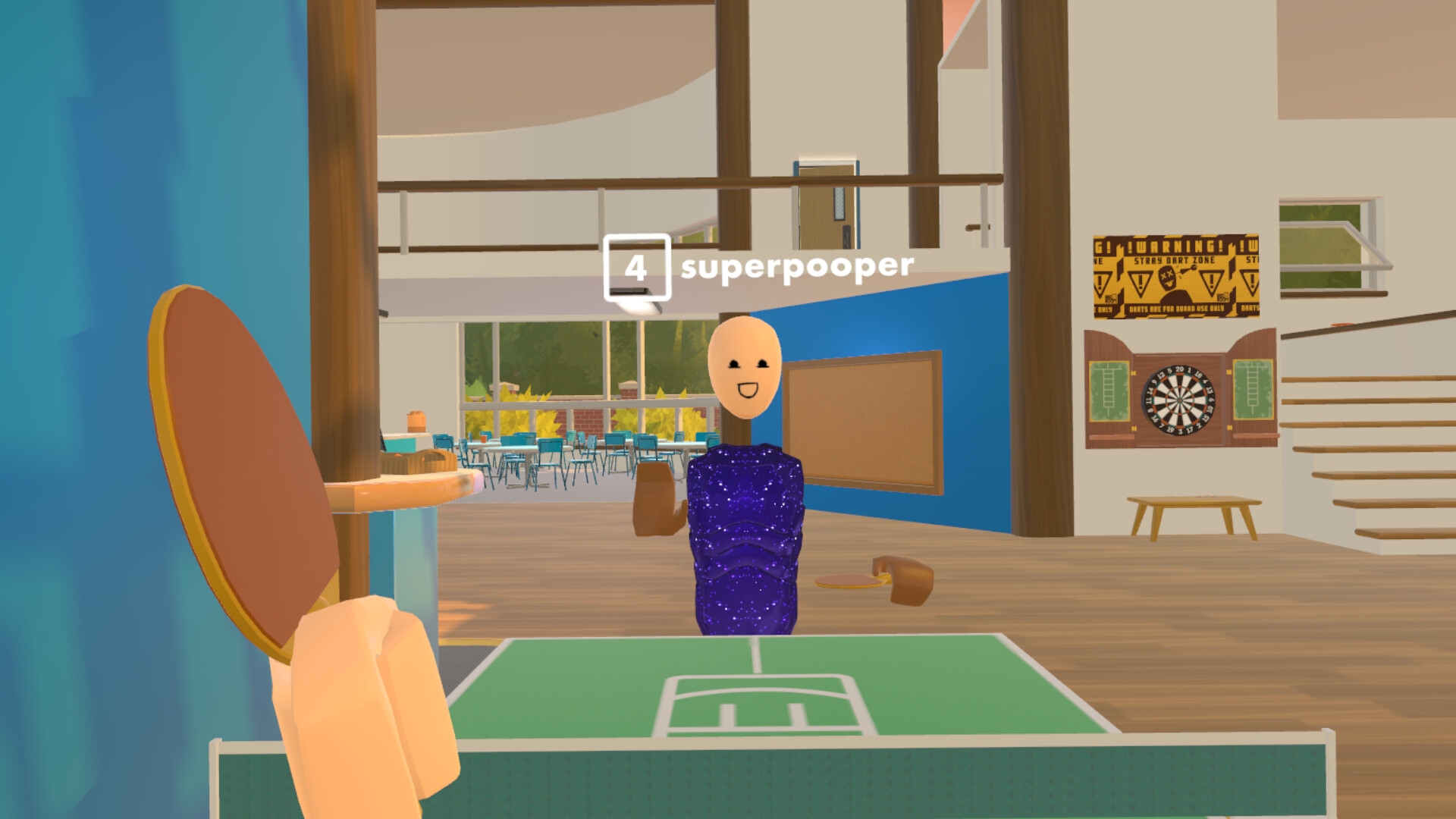
The Creator Pen is the heart of player-made content in Rec Room: A New Semester (RR:ANS). Thunderstorm Games positions the free-to-play Steam sandbox (app 4877420, Early Access November 24, 2026) as a place to hang out in official rooms or invent your own—social hangouts, games, roleplay worlds, events, puzzles, and more—without needing a full game-engine background. This guide covers equipping the pen, building rooms, inventing props, using Workshop-style mods, sharing experiences, and preparing for the December SDK that will import rooms and avatars.
RR:ANS stays free forever with no microtransactions. Thunderstorm Games is not affiliated with Rec Room Inc. Creation here follows this title’s tools and Early Access roadmap, including community tutorials that help the road to 1.0.
If you still need install or input help, read Getting Started and Controls first. VR builders should also skim VR Setup so locomotion and grip bindings feel solid before long build sessions.
What you can make
Steam copy and trailers emphasize thousands of unique community experiences: quests, story adventures, PvP arenas, horror maps, obstacle courses, and casual hangouts. When you do not see the room you want, build it with Creator Pen and share it. Official RROs (Rec Room Originals) sit alongside community rooms—story context for those lives in Story Mode.
Creation goals for week one:
- Own a private sandbox room you can edit freely.
- Place, clone, rotate, and delete objects confidently.
- Save a version you would not mind friends visiting.
- Publish or share at least a private invite link.
- Browse Workshop/community content for UI, keybind, or story mods you might try later.
Equip and open Creator Pen
- Enter a room where you have edit permission (your dorm-like space, owned room, or a collab with roles enabled).
- Open backpack / tool slots and select Creator Pen.
- Open the pen palette / settings menu.
- Confirm fly/zoom/orbit options if you will detail small props—creator flight is commonly easier while the pen is held.
- Place a single primitive, undo, then redo once to trust the history stack.
Screen-mode builders rely on mouse aim plus modifier keys for orbit/zoom; VR builders use grip combinations and physical movement. Details and remaps: Controls.
Room building workflow
Blockout
- Sketch the player path first: spawn → main activity → exit/portal back to social space.
- Use large primitives for walls and floors before decorating.
- Keep collision simple so screen and VR players both traverse cleanly.
Gameplay hooks
- Add a clear objective sign for visitors (race, hide-and-seek, roleplay rules).
- Place spawn anchors away from kill volumes or drop pits.
- Test with a friend party from Rec Center using invites—social features are part of QA.
Polish
- Lighting and contrast matter more than polygon count on mid-spec PCs.
- Avoid covering interactables with invisible walls.
- Add a photo spot; players share memories as much as scores.
Share
- Name the room clearly (activity + mood).
- Set privacy: private, friends, or public per your comfort.
- Drop the room in Discord or friend messages when you want feedback—not as a substitute for in-game discovery tags when those exist.
Inventing props and systems
“Inventing” in RR:ANS means combining pen tools, gadgets, and logic the palette exposes during Early Access. Start small:
- A door that opens on interact.
- A scoreboard or simple trigger volume.
- A costume pedestal that shows rarity flair (outfits span 1-Star Common to 8-Star Gaming Legends—see Tier List Hub for rarity talk).
Do not wait for every tool to be feature-complete. Early Access (~two years toward 1.0) will expand creator power; shipping a tiny finished room beats a huge unfinished void.
Workshop mods and community downloads
Official feature talk includes downloading community-made UIs, keybinds, or story mode mods via Workshop-style pipelines. Practical rules:
- Prefer mods from creators you trust; read change notes.
- Keep a vanilla profile so you can bisect bugs when reporting Early Access issues.
- UI declutter mods pair well with long build sessions.
- Story mods should be labeled for spoilers—respect Story Mode progression for friends still on early episodes.
Workshop content is not a microtransaction store. The game’s economy promise is no paid cash shop—creation stays free-focused.
December SDK: rooms and avatars
Roadmap notes point to an SDK arriving in December for importing rooms and avatars. Creators should:
- Keep clean source folders for meshes/textures you plan to bring in.
- Watch Updates for the exact SDK drop and documentation links.
- Test imports in a private room before overwriting a public hit.
- Continue making Maker Pen / Creator Pen tutorials—the studio explicitly asks the community to help teach tools on the road to 1.0.
Until the SDK lands, everything you learn with the in-world pen still transfers: hierarchy, collision, spawn flow, and social testing.
Collaboration and permissions
Building with friends is a first-class loop:
- Use parties so collaborators follow you into the edit room (Getting Started covers invites).
- Agree on who publishes the “release” version.
- Voice etiquette matters in long sessions—push-to-talk binds help (Controls).
- VR and screen collaborators should verify scale and reach; what feels fine in Index knuckle grip may be awkward in screen orbit camera.
Quality checklist before you share publicly
| Check | Why |
|---|---|
| Cold join as a new visitor | Confirms spawn and instructions |
| Screen + VR pass | Catches locomotion and interact bugs |
| Leave-room / rejoin | Ensures persistence |
| Friend invite path | Validates social entry |
| Performance stroll | Spots laggy particle spam |
| Report/mute still reachable | Safety tools must work in your space |
Common creator mistakes
- Publishing the blockout as final without signs or goals.
- Overusing moving parts that tank low-end PCs.
- Forgetting privacy settings and leaking a WIP story spoiler room.
- Building only in VR comfort settings that screen players cannot mirror.
- Ignoring Early Access patch notes that change pen gadgets—track Updates.
Practice plan (one evening)
- Create a 2×2 hangout with seats and a photo spot.
- Add a simple obstacle strip with a finish trigger.
- Invite two friends; collect feedback for ten minutes.
- Iterate once; republish.
- Browse one Workshop UI or keybind mod without installing everything at once.
Related pages
- Controls — equip pen, fly, orbit
- Getting Started — Rec Center and friends first
- Story Mode — RROs and episode context
- VR Setup — headset comfort for long builds
- Guides Hub — all guides
- Updates — SDK and seasonal creator notes
- Players Hub — find collaborators
- Tier List Hub — outfit rarity reference for dress-up rooms
Creator Pen turns RR:ANS from a lobby into a platform. Ship small rooms often, teach others what you learn, and fold SDK imports in when December tooling arrives.
Frequently Asked Questions
Quick answers for Rec Room: A New Semester players.
What is the Creator Pen in Rec Room: A New Semester?
It is the primary in-world building tool for designing rooms, props, and playable experiences you can share with friends or the wider community.
Can I use Workshop mods while building?
Yes. Community UI, keybind, and story mods are part of the feature set. Keep a vanilla profile for bug reports during Early Access.
When can I import custom rooms or avatars?
An SDK for importing rooms and avatars is planned for December. Follow the Updates hub for the exact release and docs.
Do I need VR to use Creator Pen?
No. Screen mode supports building with keyboard/mouse-style controls. VR can feel more natural for sculpting, but both modes are valid.
Are creations locked behind microtransactions?
No. RR:ANS has no microtransactions. Creation, sharing, and seasonal free cosmetics are part of the free-to-play promise.