Rec Room: A New Semester Players & Social Hub
Friends, parties, DMs, and profiles—how to hang out without the drama.
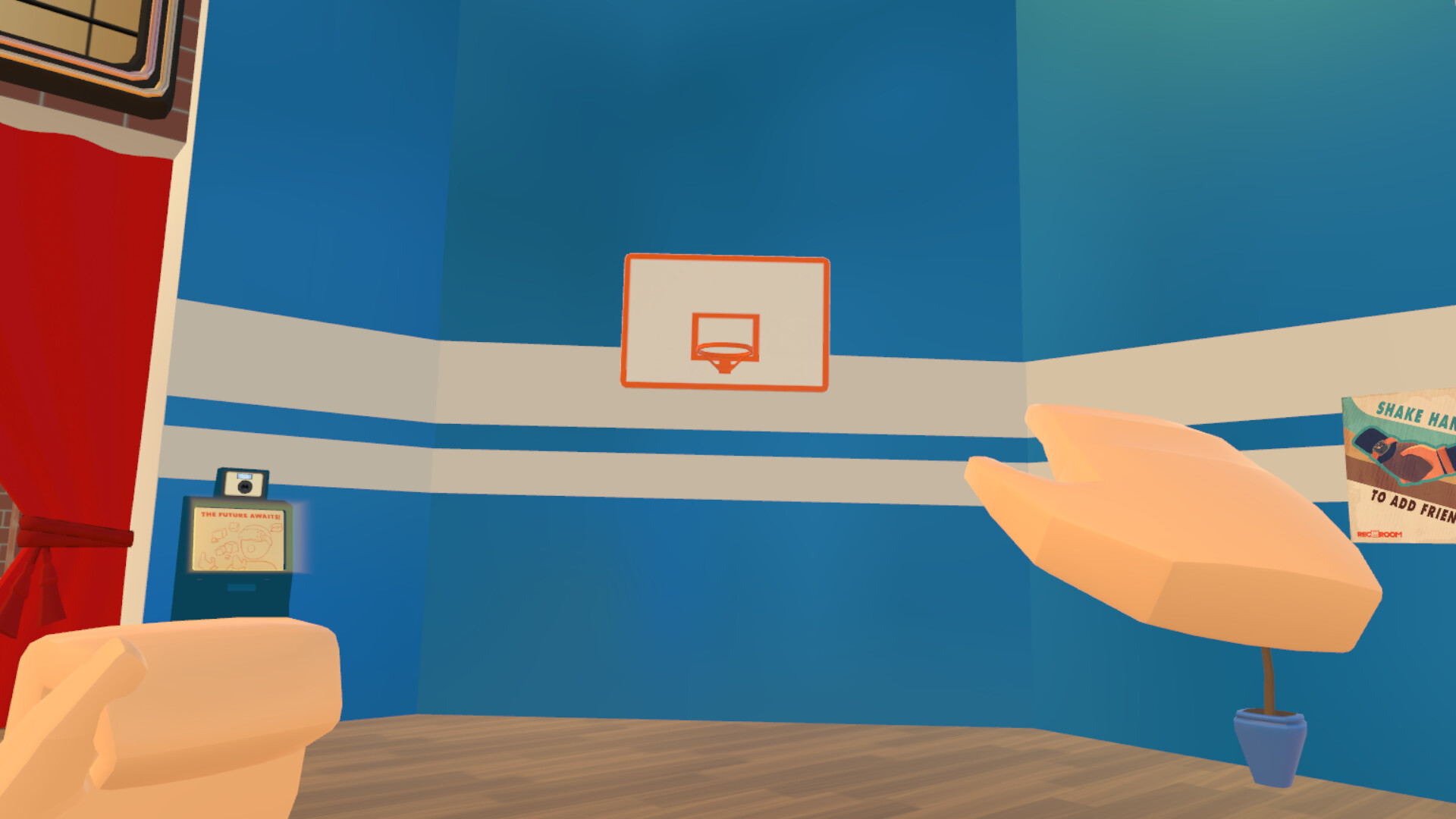
Rec Room: A New Semester is built around people first. The Early Access online core already highlights a friend system, parties, private messaging, game invites, and player accounts / profiles, plus multiplayer rooms where those tools matter. This hub explains how to use each social surface, how to behave in shared spaces, and how to spot fakes—especially unofficial TikTok accounts pretending to be the studio.
New to the game? Skim Getting Started and the Guides Hub, then come back here before you mass-invite strangers into a private Creator Pen draft.
Friends
Friends are your persistent people list—the difference between a random public lobby and a campus you actually recognize.
Good habits
- Add people after a fun room, not during a heated PvP argument.
- Use clear display names; avoid lookalike Unicode tricks that confuse moderators.
- Keep a small “trusted builders” circle for unfinished rooms and SDK experiments later.
- If someone harasses you, remove/block and report through the available tools instead of escalating in party chat.
Friends sync with the broader account/profile layer, so a clean Steam + in-game identity helps people recognize you across sessions.
Parties
Parties are how you move as a group. Form a party before hopping between official rooms, community maps, Rec Center events, or private builds so nobody is left behind on a loading screen.
Party tips
- Nominate one host who manages invites and destination calls.
- Agree on mic rules (push-to-talk vs open mic) before horror maps or story segments.
- Leave one public-friendly slot if you are recruiting, but lock the party when practicing competitive rooms.
- When the Christmas Rec Center calendar starts on December 1, party up so everyone claims the daily free cosmetic together.
Parties pair naturally with the Updates Hub—patch days are chaotic, and traveling as a unit reduces “where did you go?” spam.
Invites
Game invites bridge Steam, Discord scheduling, and in-game presence. Use them when a friend is online but not in your instance, or when you want someone to jump into a specific room rather than wandering the menu.
Invite etiquette
- Send context: “Rec Center day 3 gift” beats a blank invite.
- Do not spam-reinvite after a decline; they may be AFK or in VR calibration.
- Double-check you are inviting the right similarly named profile—impostors exist.
- For Creator Pen playtests, invite only people ready for bugs; link the Early Access expectations if they are brand new.
DMs (private messaging)
Private messaging covers 1:1 coordination: sharing room ideas, troubleshooting VR, or quietly reporting a problem without callouts in public chat.
DM safety
- Never send passwords, Steam Guard codes, or authenticator screenshots.
- Treat unsolicited “free Gaming Legends unlock” DMs as scams—the economy has no microtransactions and rare outfits come from free boxes/events (see Outfit Tier List).
- Move long build planning to Discord if you need durable history, using the official invite on the Community Links page.
- Mute or report DMs that turn hostile; you do not owe anyone continuous access to your inbox.
Profiles and accounts
Profiles are how the campus remembers you: avatar presentation, presence, and the social graph that powers friends and invites. Early Access will iterate on profile polish as customization deepens on the roadmap, but the basics matter on day one.
Profile checklist
- Finish a readable bio without phishing links.
- Equip cosmetics you earned fairly; flaunting hacked inventories invites reports.
- Remember story progress can change your evolving main menu—your profile journey is part of the semester fantasy.
- Keep PlayFab / Steam account recovery info private; the store notes a Playfab.com third-party account requirement.
Hangout etiquette
Shared rooms die when nobody agrees on norms. Adopt a lightweight code wherever you host:
- Ask before recording someone’s voice for TikTok clips.
- Respect build boundaries — do not grief WIP Creator Pen rooms.
- Queue fair in popular official experiences; host privilege is not a license to soft-lock newcomers.
- Keep mic clutter down during tutorials and story beats.
- Credit creators when you remix a community room after Workshop tooling expands.
- Assume good intent during EA bugs; ping the Updates channels instead of accusing players of “hacking” every glitch.
Accessibility matters too: if Workshop UI mods for disabilities appear, support those players instead of mocking remapped controls.
Reporting and fake account warnings
Thunderstorm Games has publicly warned the community about impostors. Key rule: do not trust fake TikTok accounts claiming to be RRANS official beyond the studio’s real presence. Anchor on:
- Steam app 4877420 news and discussions
- Discord
https://discord.gg/EBqDcGxC2q - YouTube @ThunderstormGames-TSG
- TikTok only if it matches the store-linked
@thunderstormgamespresence—ignore copycats
Report when
- Someone phishes for account details or sells “OG Mythic” grants
- Harassment, hate, or repeated griefing continues after warnings
- A profile spoofs developer branding to push malware links
Document with screenshots (hide your personal DMs as needed) and use in-game plus Steam report tools. This wiki is unofficial and cannot ban users—we can only teach safer habits.
Social loop for launch week
- Install, set up mic/headset via Tools and VR setup if needed.
- Add your real-life friends first; grow outward from positive rooms.
- Party through Rec Center Christmas days and the post-launch outfit window together.
- Keep DMs for logistics; keep public chat kind.
- Recheck Community Links whenever a “new official social” appears in the wild.
Hang out like you want the campus to still be welcoming two years into Early Access—because that is exactly how long the studio expects to keep shaping it with you.
Frequently Asked Questions
Quick answers for Rec Room: A New Semester players.
Which social features ship in Early Access?
Friends, parties, private messaging, game invites, player accounts/profiles, and multiplayer are part of the playable online core at EA launch.
Is there an official Rec Room: A New Semester TikTok I should trust blindly?
Be skeptical of fakes. Prefer Steam news, the linked Discord, and YouTube @ThunderstormGames-TSG. The developers have warned players not to trust impostor accounts.
Can someone sell me rare outfits in DMs?
No legitimate paid outfit shop exists—the game has no microtransactions. Rare sets come from free boxes, events, or OG grants. Report sellers.
How should parties handle the Christmas calendar?
Starting December 1, visit the Rec Center together for 25 days of free cosmetics so nobody misses a daily grant while exploring other rooms.
Where do I learn controls and first-hour basics?
Use the Getting Started guide and Guides Hub, then return here for friends/party etiquette and scam awareness.