Getting Started with Rec Room: A New Semester
From Steam install to Rec Center, friends, first rooms, and your first story steps — ree forever, no microtransactions.
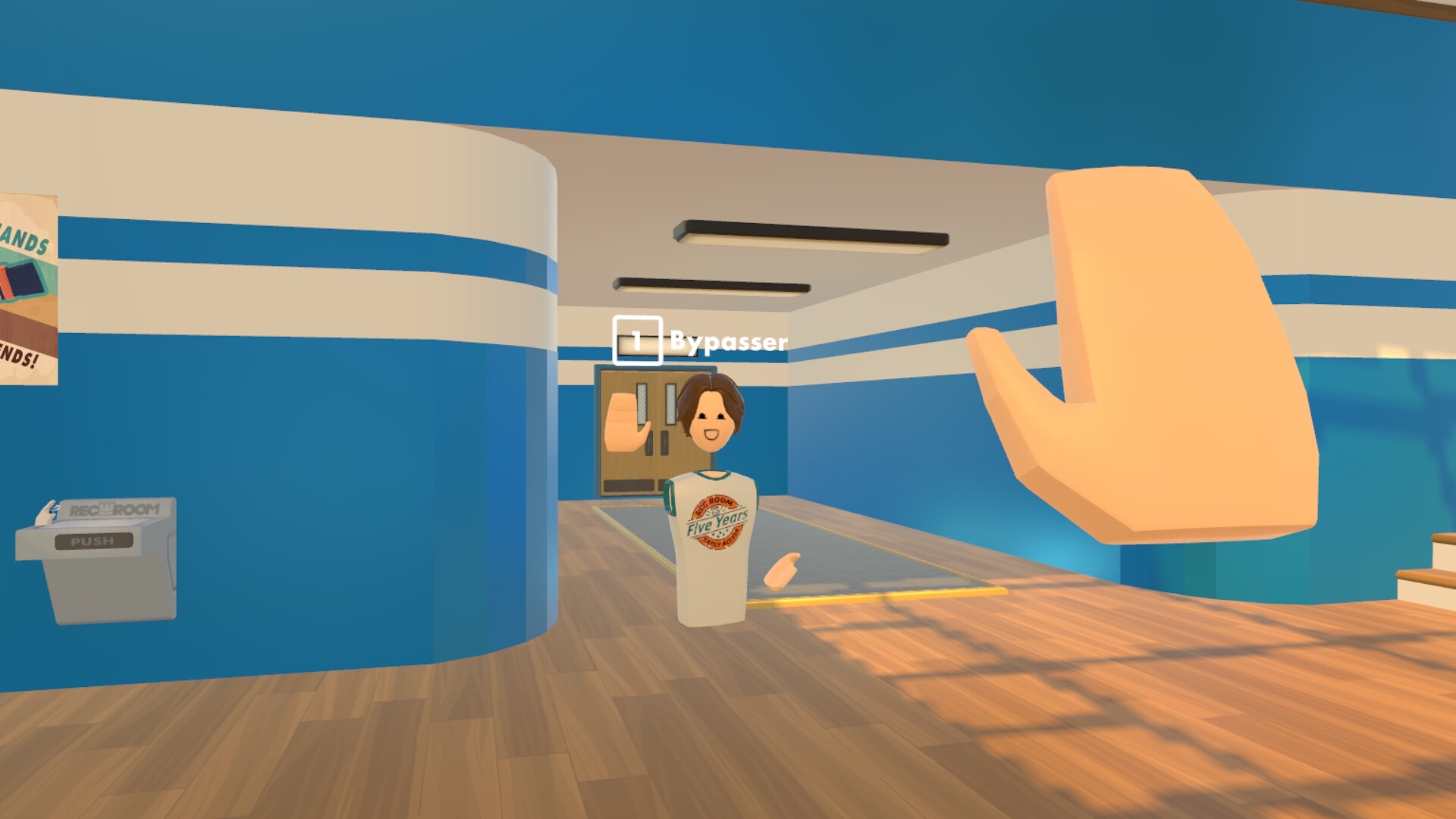
Rec Room: A New Semester (RR:ANS) is a free-to-play social sandbox for VR and PC by Thunderstorm Games, published by Bypasser / Team - VR. Steam app 4877420 enters Early Access on November 24, 2026, with roughly two years planned on the road to 1.0. The game is free forever with no microtransactions, and it is not affiliated with Rec Room Inc.
This getting-started guide is your day-one checklist: wishlist and install, create an account, learn the Rec Center, add friends, visit first rooms, peek at the Creator Pen, and start story mode without skipping the social loop that makes the sandbox fun.
Before launch day
- Open the Steam store page for Rec Room: A New Semester and wishlist the title so you get the release notification.
- Confirm your PC meets the published Steam requirements (flat screen or VR). For headset specifics, read VR Setup before you buy cables or adapters.
- Join the official Discord linked from Steam (
discord.gg/EBqDcGxC2q) if you want live patch chatter — eep this wiki for structured how-tos. - Skim Updates so you know Early Access expectations, December SDK import plans, and Christmas Rec Center cosmetics timing.
On launch day, install from your Steam library. RR:ANS runs in standard (screen) mode and VR mode. You do not need a headset to start; many players will hang out flat while friends join in VR.
Create your account and first login
Launch through Steam. Complete the account or profile flow the game presents — xpect a display name, avatar starting look, and basic privacy choices. Take a minute on privacy: friends, invites, and private messaging are core features, so decide who can message or invite you before you dive into public rooms.
Finish any short onboarding prompts. If the game offers a tour of the watch menu or movement, complete it once; bindings differ between keyboard/mouse and tracked controllers. Bookmark Controls for the detailed mapping after the tutorial ends.
Rec Center: your social home base
The Rec Center is the default hangout and discovery hub. Treat it as your lobby: meet players, find room portals, check seasonal displays, and regroup with friends. Early December plans call out Christmas cosmetics at the Rec Center starting December 1 for a 25-day window — orth returning daily during that stretch.
While you are there:
- Walk the space and note portals or boards that list popular rooms and RROs.
- Open your watch or menu to confirm friends, parties, and invite options are visible.
- Practice mute, report, and leave-room flows once so you are ready if a lobby gets chaotic.
Friends, parties, invites, and profiles
RR:ANS highlights friends lists, parties, private messaging, invites, and profiles. Day one, add at least one friend and form a party before you bounce between rooms. Party travel usually offers a follow/invite prompt when someone changes rooms — se it so nobody gets stranded.
Open a few profiles to see how outfits and rarity read in the UI. Outfit rarities run from 1-Star Common through 8-Star Gaming Legends; for ranking discussion see the Tier List Hub. Social and roster-oriented pages live under the Players Hub.
First rooms and multiplayer loops
Leave the Rec Center into a short list of official or community rooms. Goals for session one:
- Join a casual hangout and test voice / text comfort.
- Try one active experience (obstacle, quest-style, or PvP arena) to feel movement and interact prompts.
- Return to Rec Center, then join a friend — invite so you practice the invite path both ways.
Multiplayer is the default mindset — ven story and creation tools sit inside a social platform. If performance stutters, drop graphics settings before blaming networking; Early Access will keep tuning both.
Creator Pen peek (do not skip)
Even if you are not a builder yet, open the Creator Pen once. Confirm you can enter a personal or editable space, place a simple object, and save or exit cleanly. Full building, Workshop mods, inventing, and sharing are covered in the Creator Pen guide. December plans include an SDK for importing rooms and avatars — uilders should watch Updates for the exact drop window.
Start story mode without losing the social thread
Story mode is a first-class pillar alongside sandbox play. Start the opening episode when you are ready, then notice how the main menu evolves as you progress (black void through crack stages and beyond). Details, RROs, and seasonal story notes live in Story Mode.
You can mix story sessions with hangouts. Many players will clear an episode, regroup in Rec Center, then jump into a community room — he game is built for that rhythm.
Platform notes for day one
- PC screen mode: keyboard and mouse (or gamepad if offered) — ee Controls.
- VR: Steam Frame standalone is planned; Meta Quest is PCVR only (not a Quest Store standalone title); Vive, Index, and PSVR1/2 via PCVR — ee VR Setup.
- OS: Steam lists Windows, macOS, and Linux among platforms; verify your build on the store page before promising friends a cross-play night.
First-week checklist
| Day focus | Action |
|---|---|
| Day 1 | Install, account, Rec Center, add friends, one hangout + one active room |
| Day 2 | Finish Controls practice; try Creator Pen basics |
| Day 3 | Start story episode 1; note menu stage change |
| Day 4 | Party with friends across two rooms; test invites/messages |
| Day 5+ | Browse Workshop/community rooms; track Updates for SDK and Christmas cosmetics |
Avoid these early mistakes
- Skipping friends/party setup and wandering alone for hours.
- Assuming Quest has a standalone Quest Store build — t does not; use PCVR.
- Ignoring Creator Pen until — ater — uscle memory helps when SDK imports arrive.
- Spending money looking for a cash shop — here are no microtransactions.
- Confusing this title with Rec Room Inc. products; keep expectations on Thunderstorm — Steam roadmap.
Where to go next
- Controls — watch menu, movement, interact, Creator Pen access
- VR Setup — full headset matrix from Steam news
- Creator Pen — building, Workshop, sharing
- Story Mode — episodes and evolving menu
- Guides Hub — full guide index
- Tier List Hub — outfit rarities
- Players Hub — social / player pages
- Updates — Early Access and seasonal trackers
Finish this checklist once, then treat the sibling guides as deep dives. Early Access will move fast — evisit Getting Started after major patches if onboarding or Rec Center flows change.
Hardware and Early Access
Before you buy a headset or push graphics settings, confirm the system requirements and skim Early Access so you know what is shipping on day one versus later on the roadmap.
Frequently Asked Questions
Quick answers for Rec Room: A New Semester players.
How do I install Rec Room: A New Semester?
Wishlist and install from Steam (app 4877420). Early Access launches November 24, 2026. Launch in screen mode or VR from Steam after download.
Where should I go first after logging in?
Start at the Rec Center to learn social tools, then add friends, join a hangout room, peek at Creator Pen, and begin story when ready.
Is the game free, and can I buy cosmetics with real money?
RR:ANS is free forever with no microtransactions. Seasonal cosmetics such as Christmas items at the Rec Center are part of the free roadmap, not a cash shop.
Do I need VR on day one?
No. Screen mode on PC is fully supported. Use VR Setup when you are ready for Steam Frame plans, Quest PCVR, Vive, Index, or PSVR via PCVR.
What should I read after Getting Started?
Open Controls for inputs, Creator Pen for building, Story Mode for episodes, and Updates for Early Access, SDK, and Christmas timing.